
Harmony User Manual
Run your whole restaurant from one place — the complete guide for owners, managers, and floor and kitchen staff.
Welcome to the Harmony manual. Harmony is an all-in-one restaurant platform — point of sale, orders, kitchen, menu, stock, tables, reservations and reporting — across one location or many. This guide walks through every area, with step-by-step tasks and screenshots from the live app.
How to use this manual
- Chapters map to the main areas of the app. Each opens with what the area is for, then step-by-step tasks.
- Roles vary. Not every staff member sees every screen — access is controlled by the role an owner assigns. Where a task needs a specific permission, a 🔑 callout names it.
- Branches. If a restaurant has more than one location, most screens show data for the branch you're currently in. The branch switcher (top of the screen) changes which location you're working on.
Chapters
1. Getting started
Sign up, first-run setup, and staff log in.
2. Your dashboard
Your home base — navigation and the branch switcher.
3. Setting up your menu
Items, categories, options, pricing, and per-branch rules.
4. Stock management
Track, adjust, and audit stock branch by branch.
5. Taking orders (Place Orders)
The fast till — start, build, and bill orders.
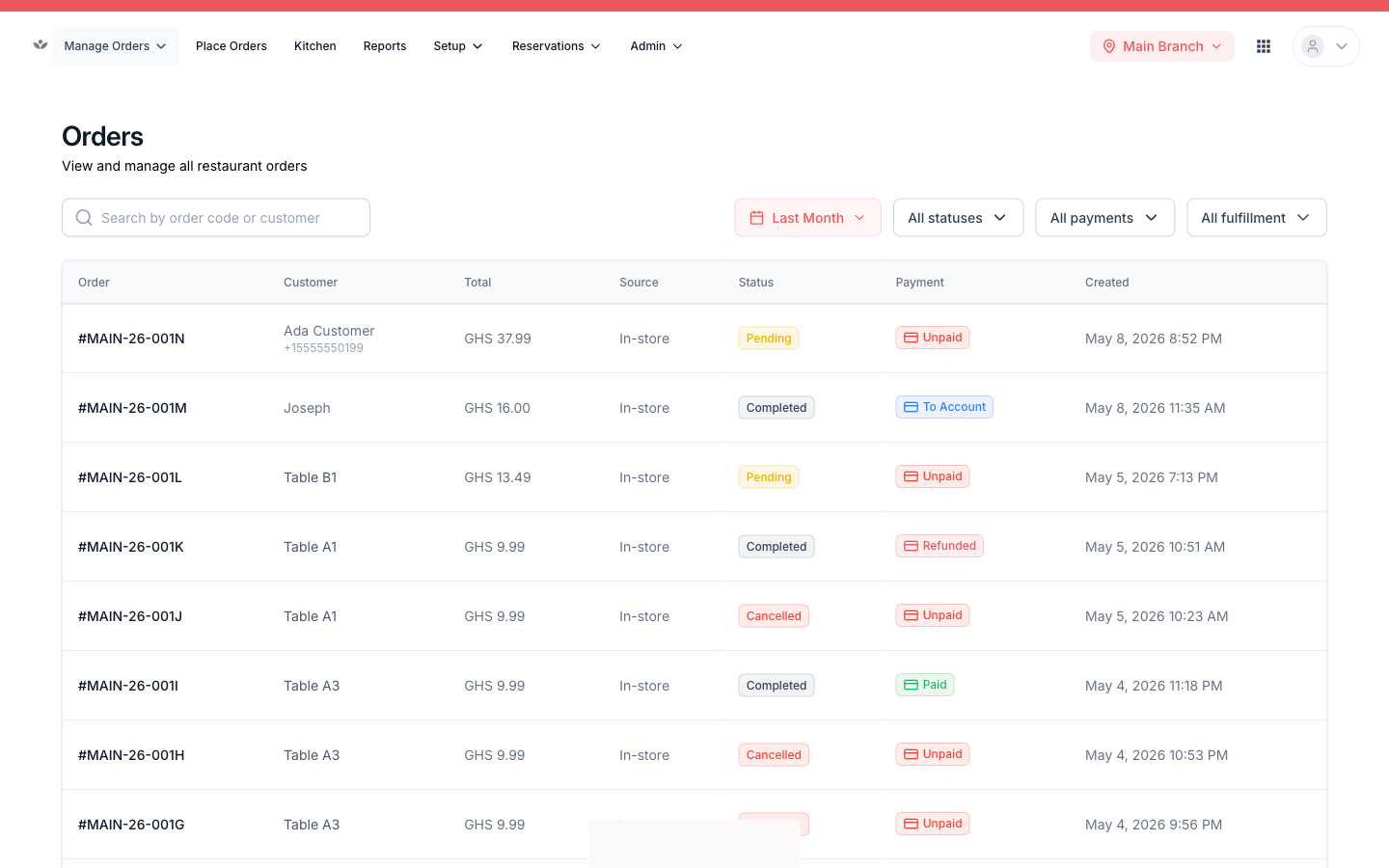
6. Managing orders
Find orders, record payments, edit, cancel, and refund.
7. The kitchen display
Get tickets to the line and track prep.
8. Tables & seating
The floor, the walk-in waitlist, and floor setup.
9. Reservations & events
Bookings, settings, and ticketed events.
10. Reports
Sales, cash, credit, and operational reports.
11. Customers & credit
Regulars, order history, and on-account billing.
12. Admin & your team
Profile, operations, branches, staff, and roles.
13. Printing & receipts
Bills, receipts, tickets, and statements.
14. Quick reference
Common questions and quick fixes.