
9. Reservations & events
Take bookings and run ticketed events — reservations, settings, and paid events.
Take bookings and run ticketed events.
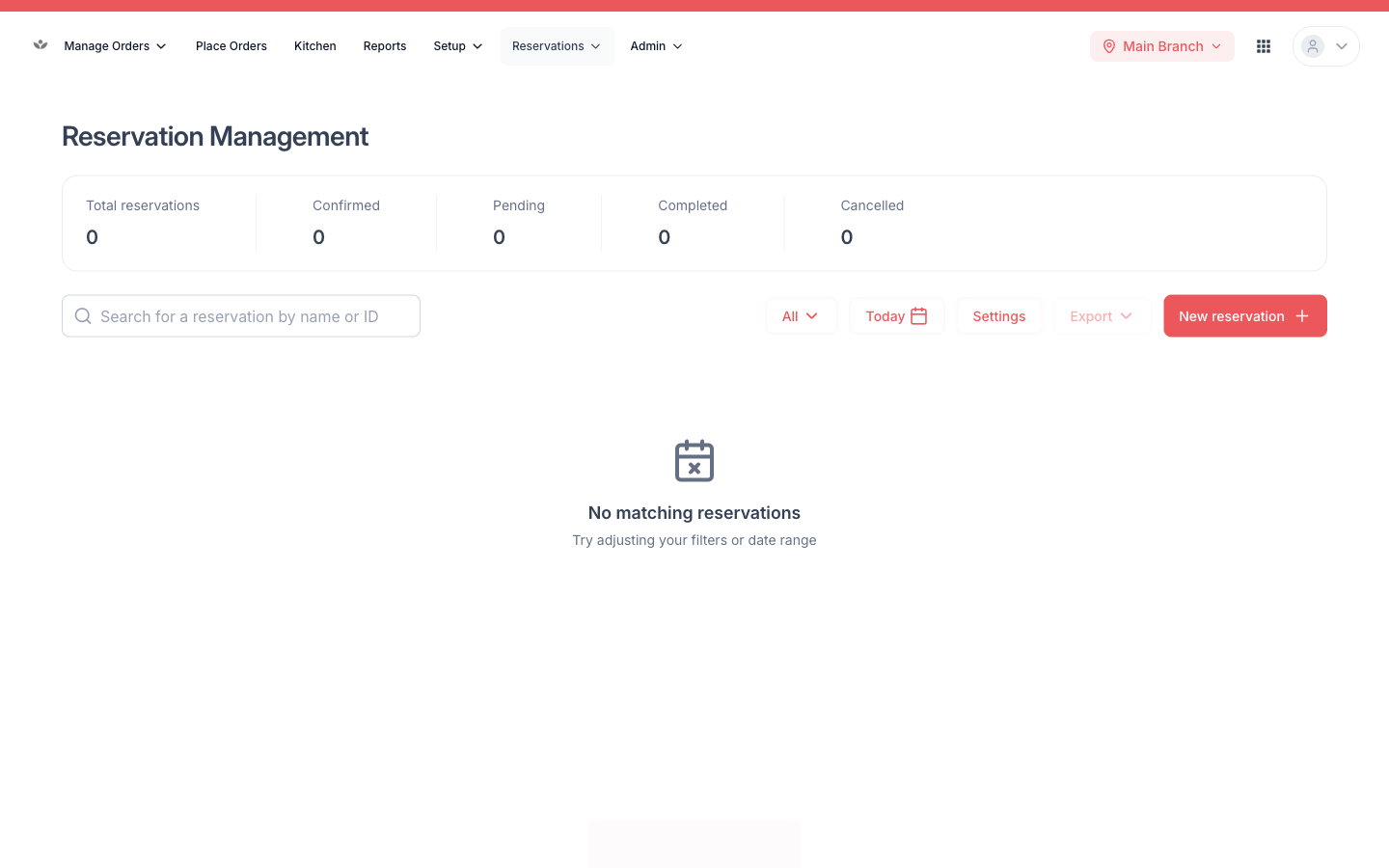
Manage reservations
- Go to Reservations.
- Filter by date, status, section, or occasion.
- Create, edit, or cancel a reservation.
- Print a reservation summary PDF.
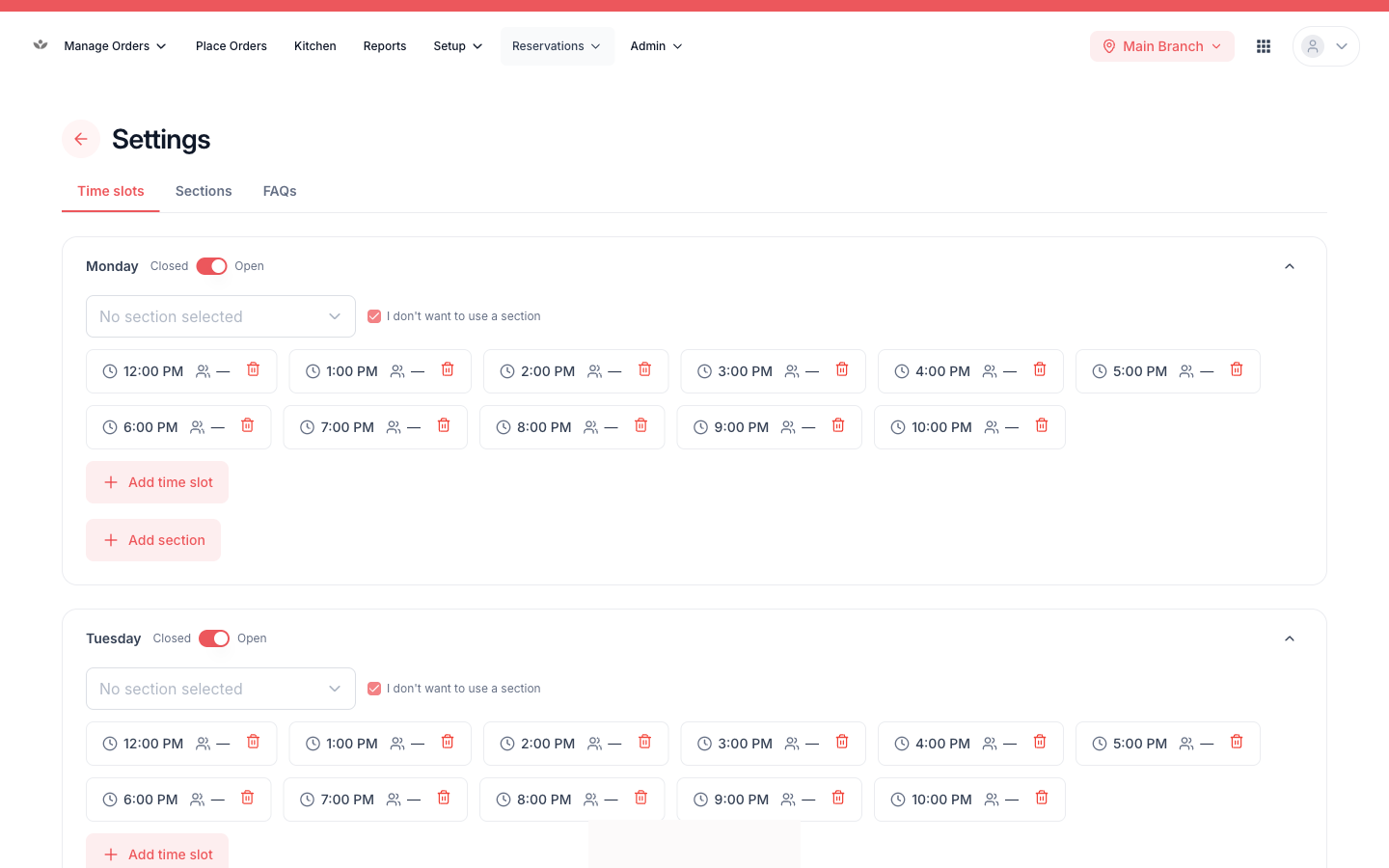
Reservation settings
Set your booking windows, party-size limits, timeslots, and dining sections.
Paid (ticketed) events
- Create an event: title, description, date/time, capacity, ticket price, venue, and a cover banner image.
- Manage the attendee list: check in, undo check-in, mark no-show, complete, or cancel per guest.
- Print event tickets for bookings.
📷 Preview coming soon — The event detail screen with the attendee check-in list.
Note
Self-service guest check-in is coming soon — for now, staff check guests in from the attendee list.