10. Reports
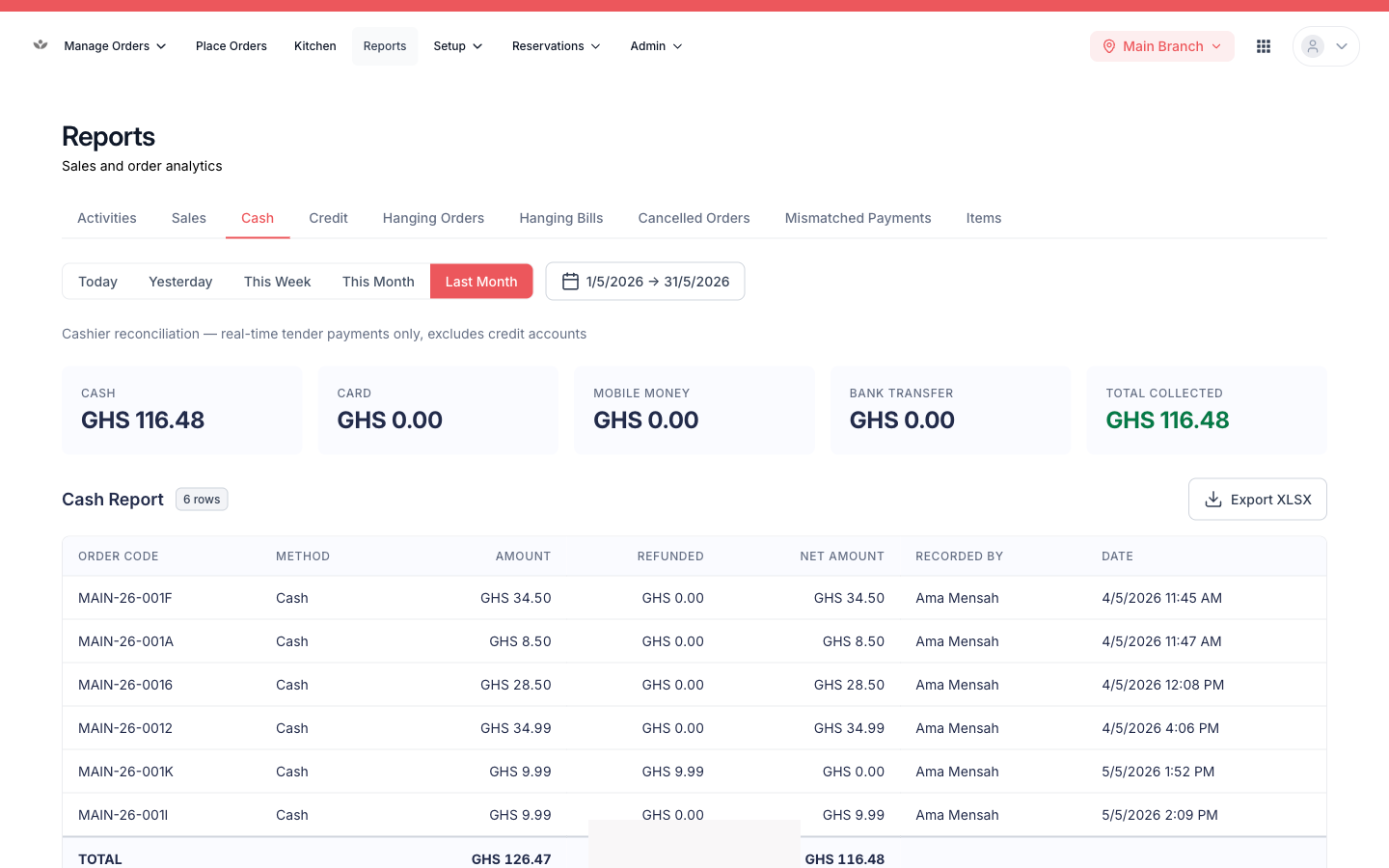
Understand sales, cash, and operations. Every report exports to a spreadsheet (XLSX).
Understand sales, cash, and operations. Every report exports to a spreadsheet (XLSX).
| Report | What it tells you |
|---|---|
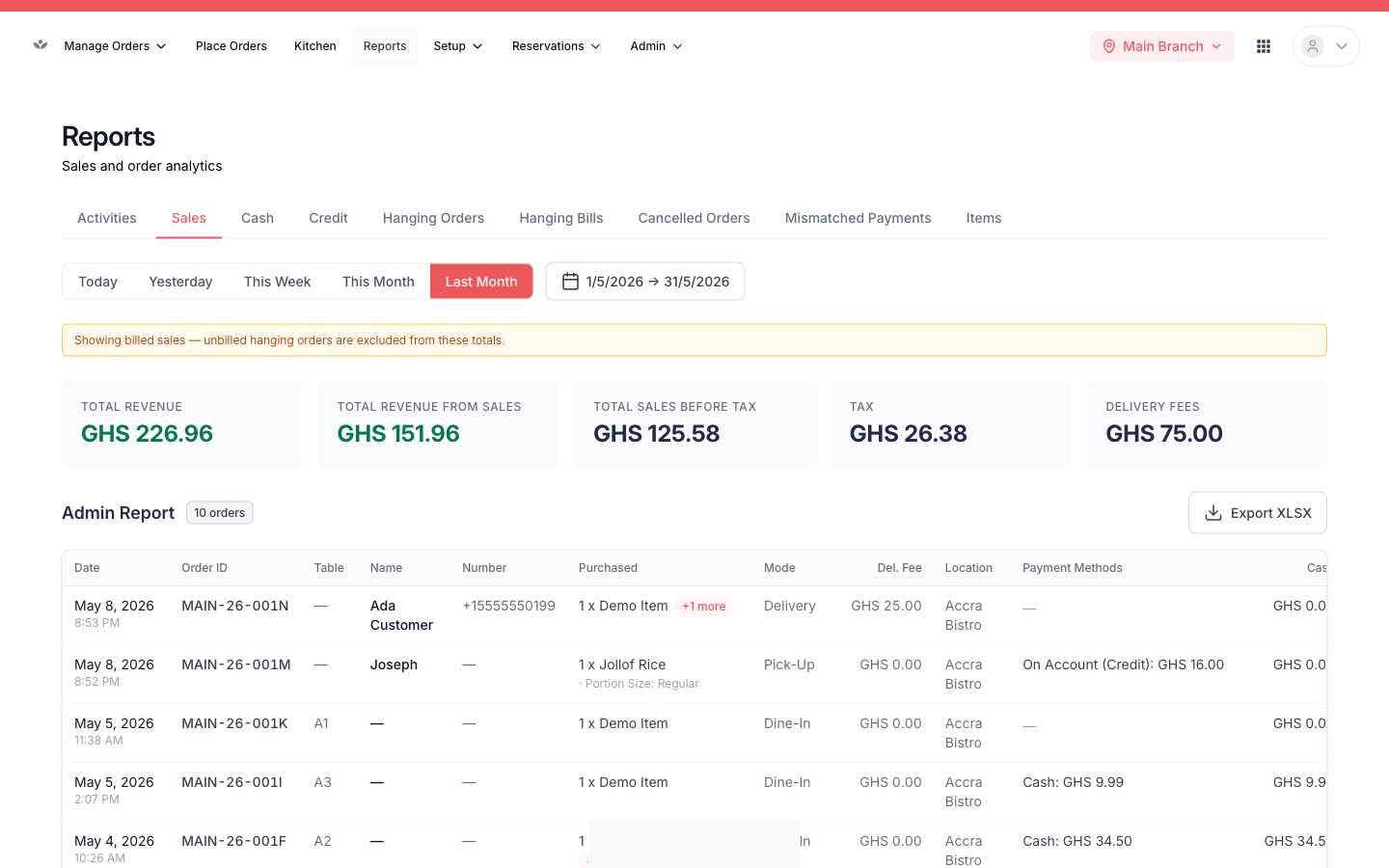
| Sales / admin report | Revenue summary cards (gross, net, total revenue from sales) plus an itemised order table |
| Cash collections | Takings by payment method (cash, card, mobile money, bank transfer) |
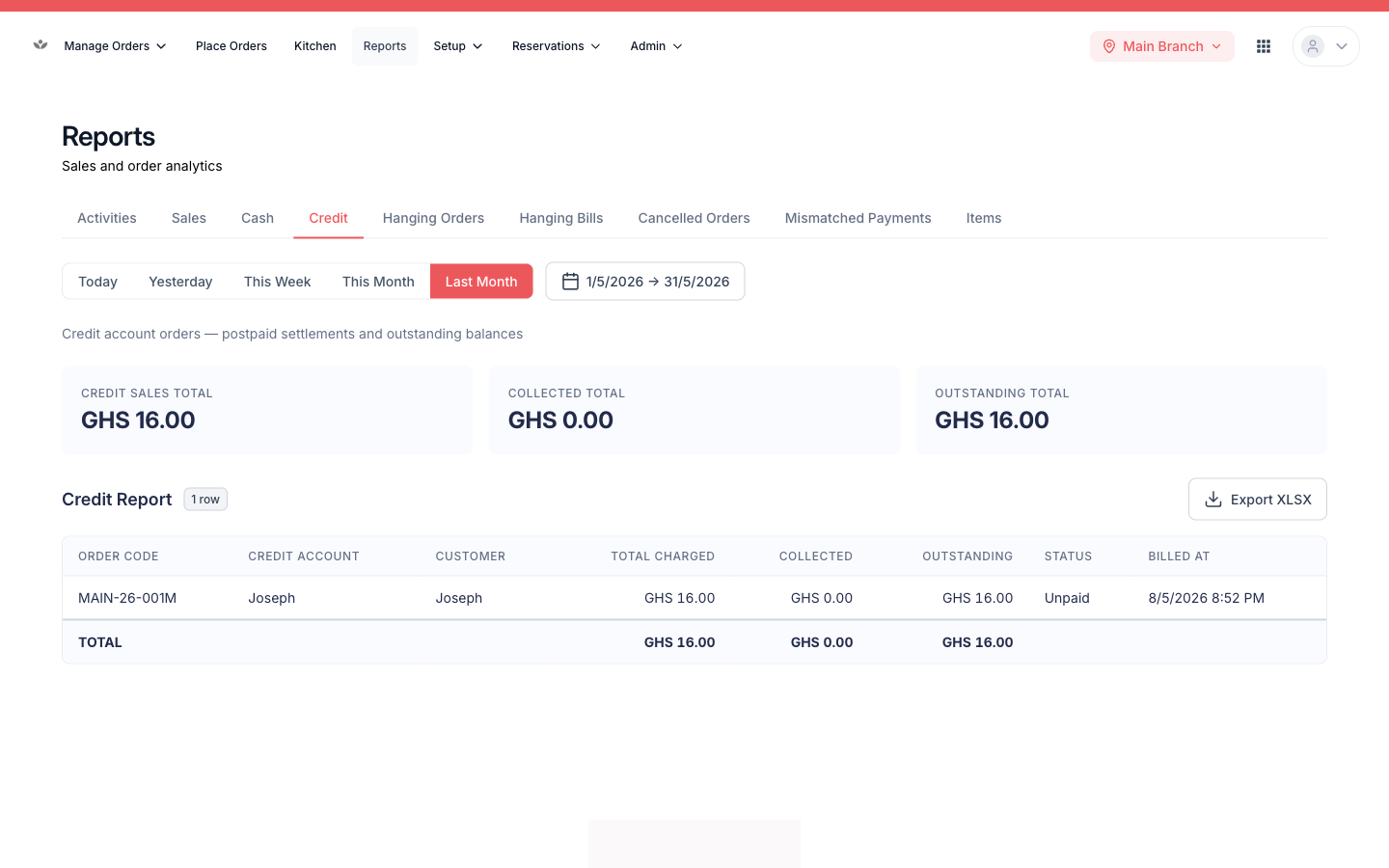
| Credit collections | Settlements by credit type |
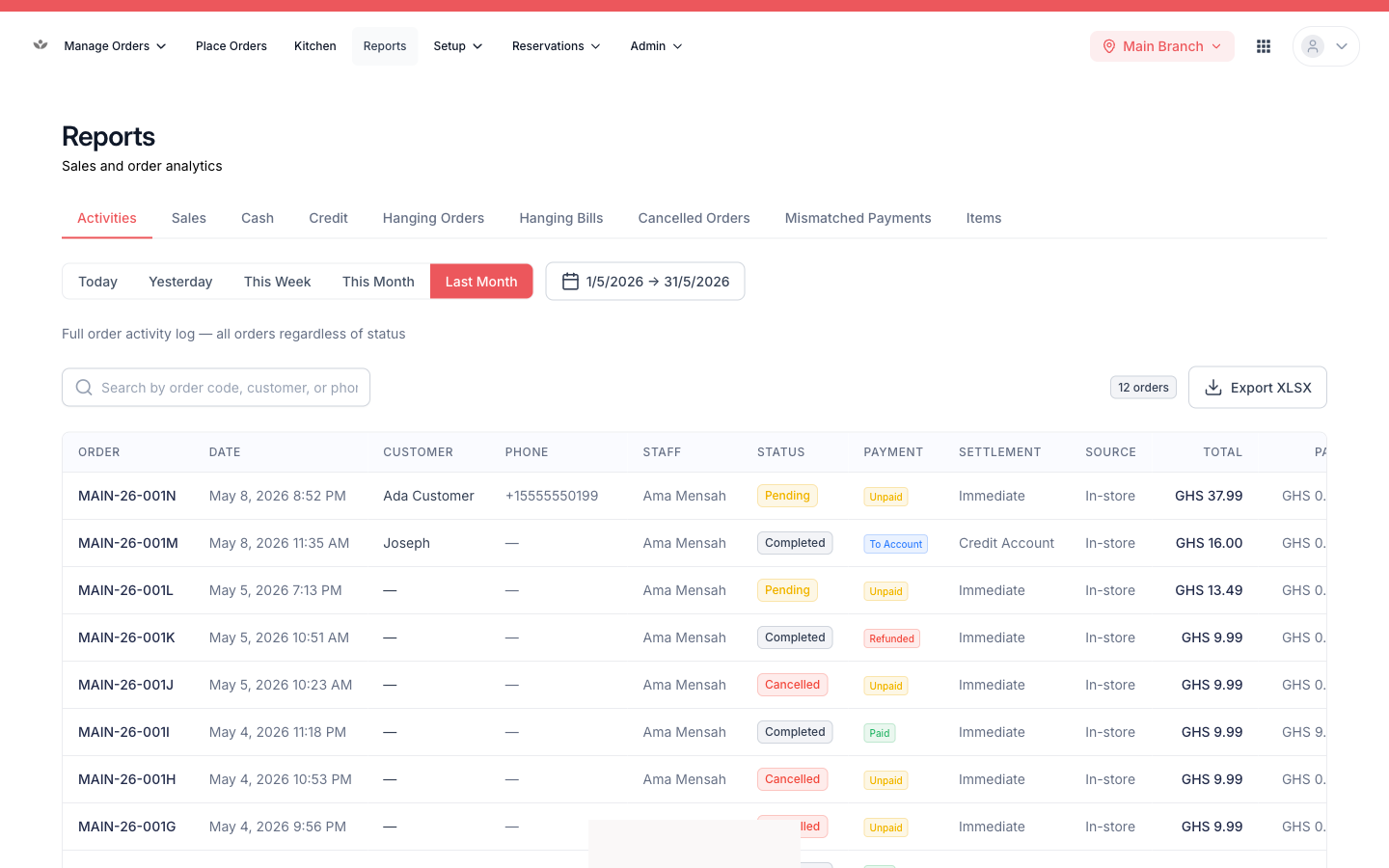
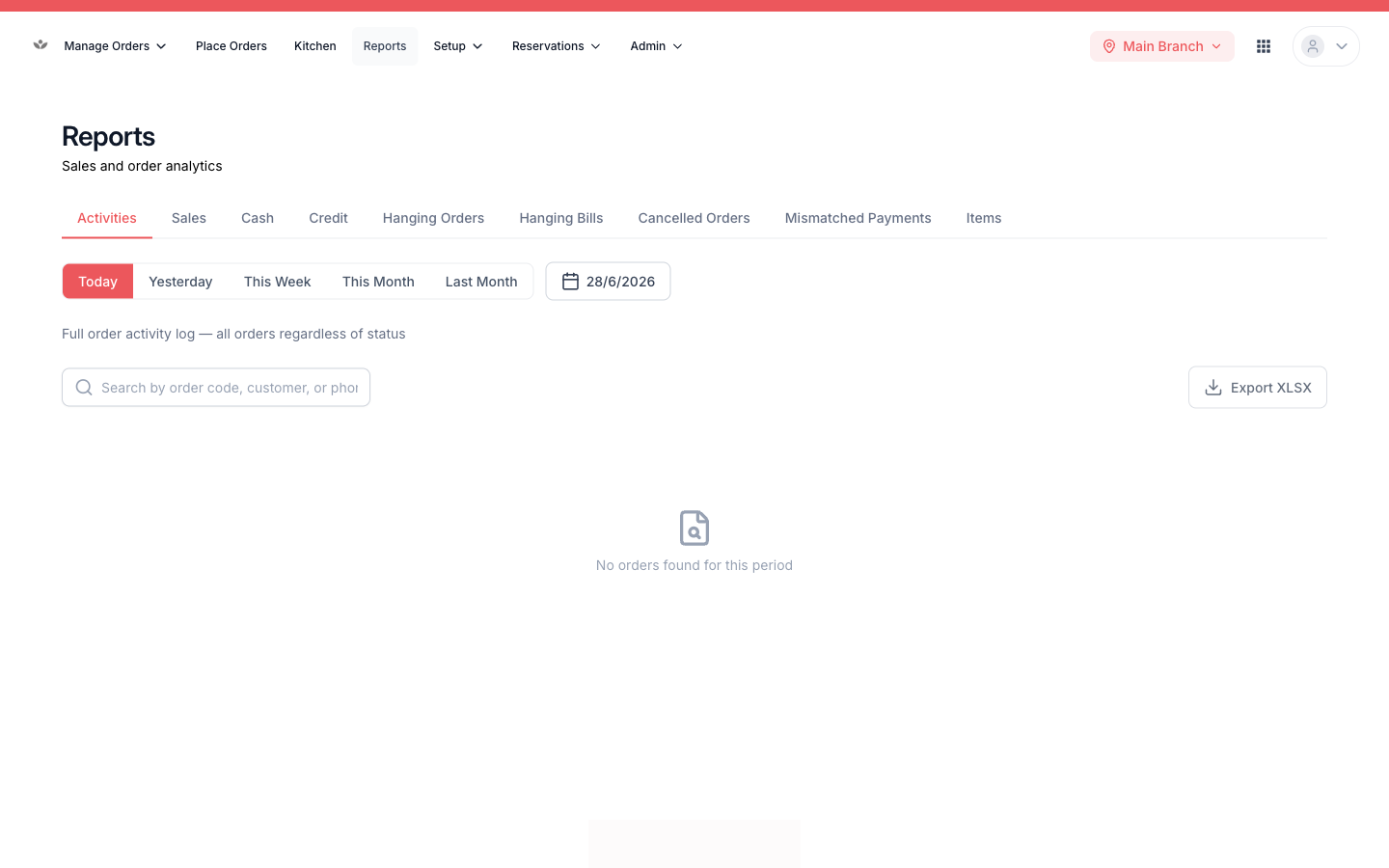
| Activity log | All order activity across every status |
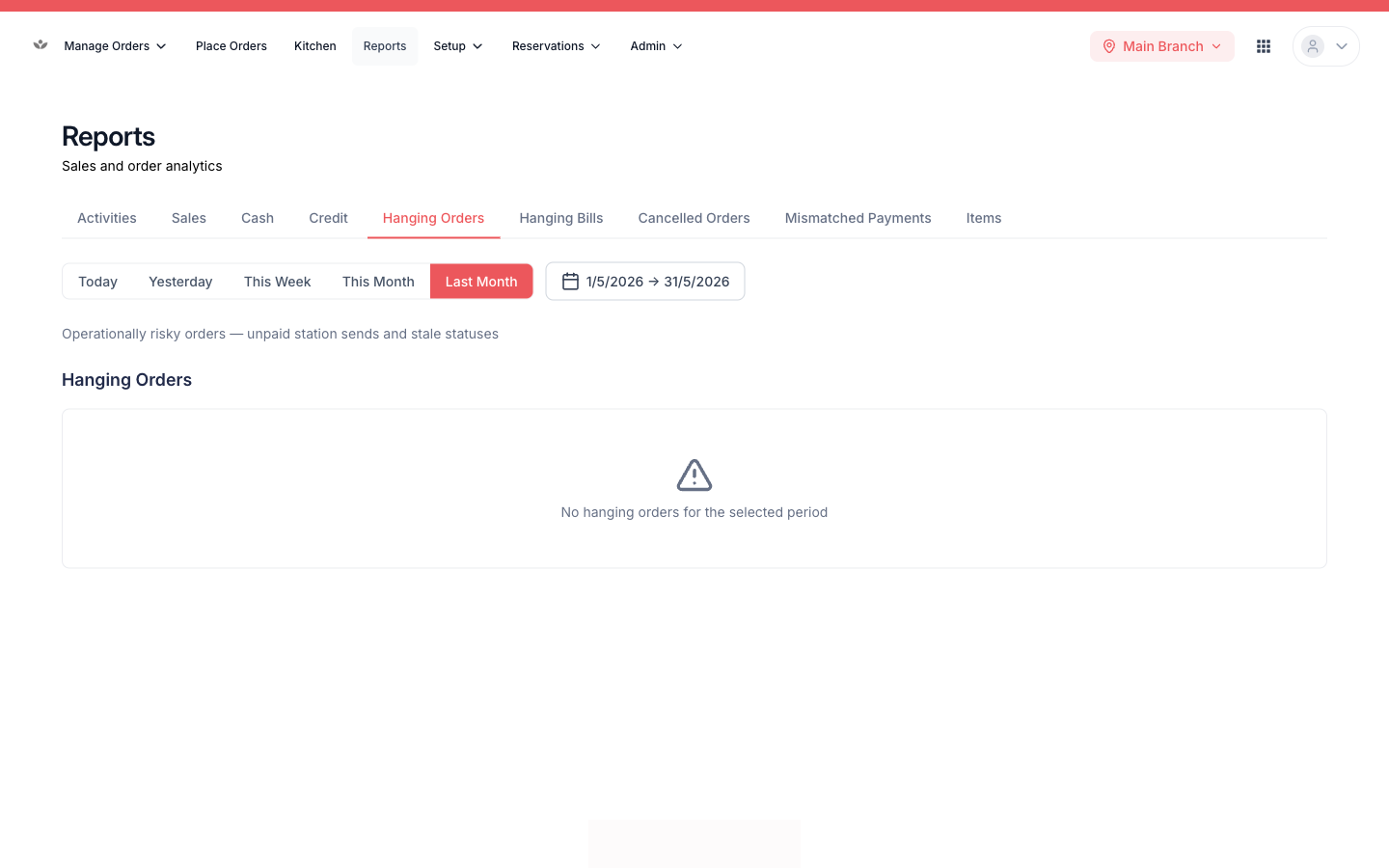
| Hanging orders | Open / billed orders with no payment yet |
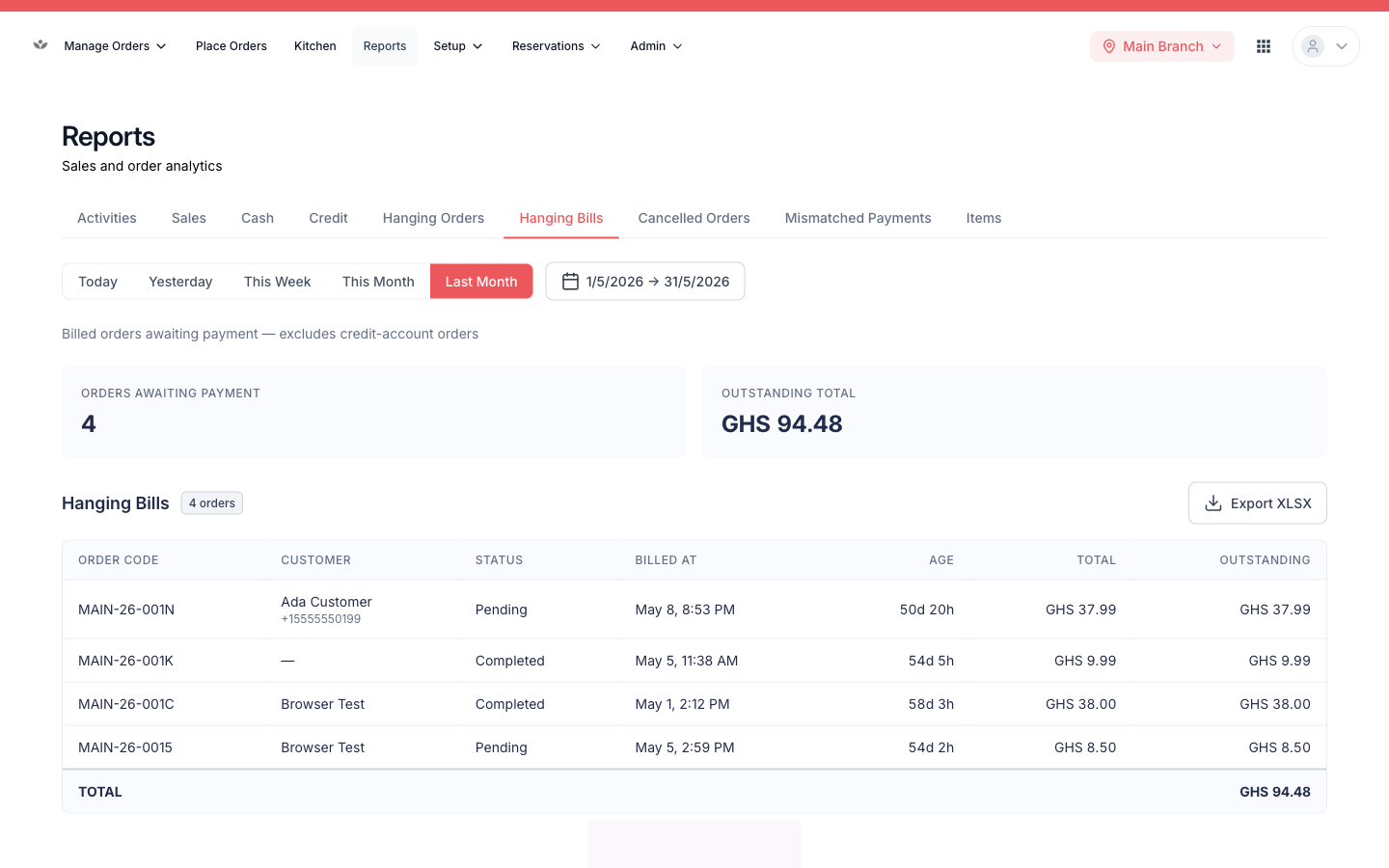
| Hanging bills | Billed orders with an outstanding balance |
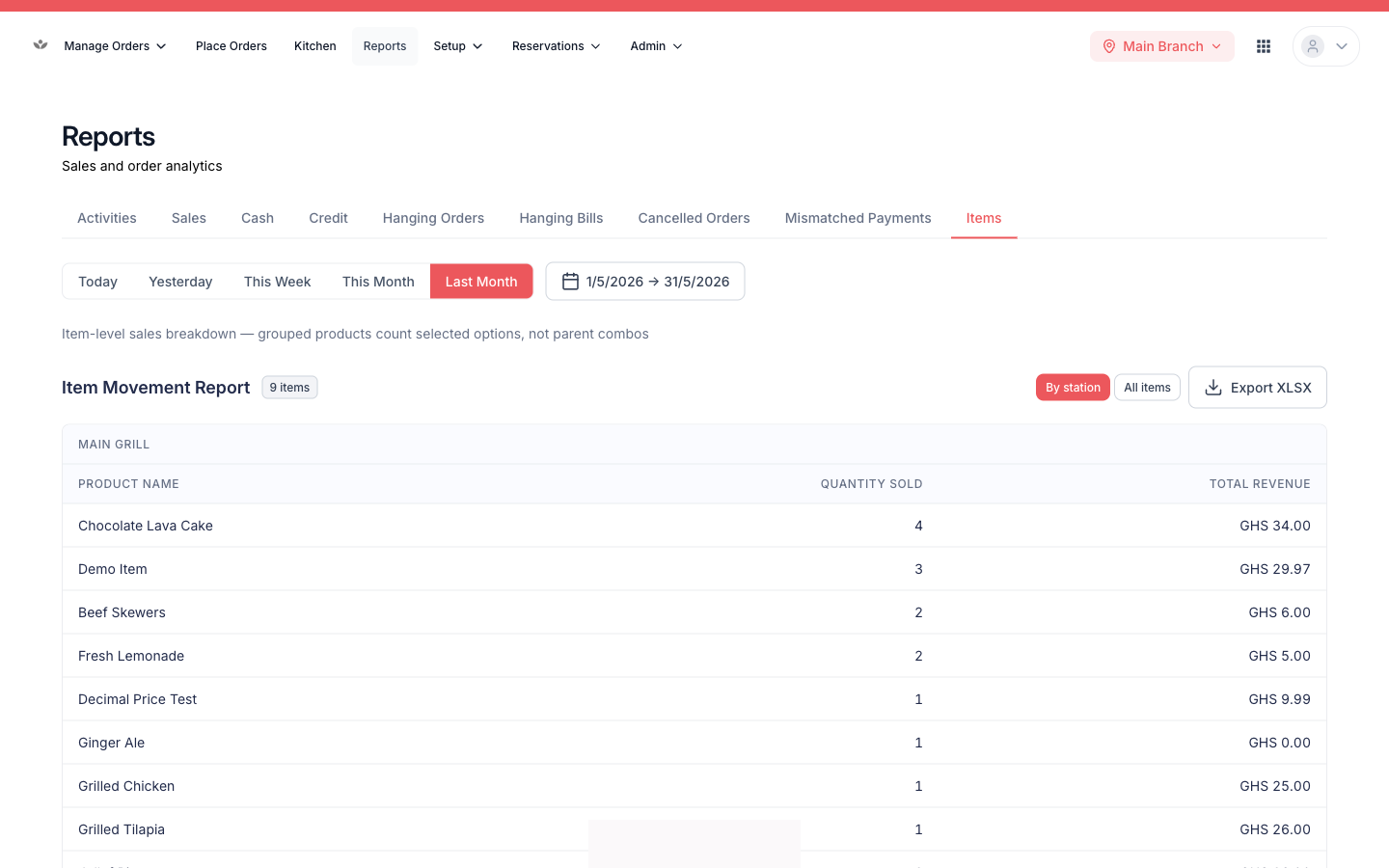
| Item movement | Sales volume per menu item (filterable by station) |
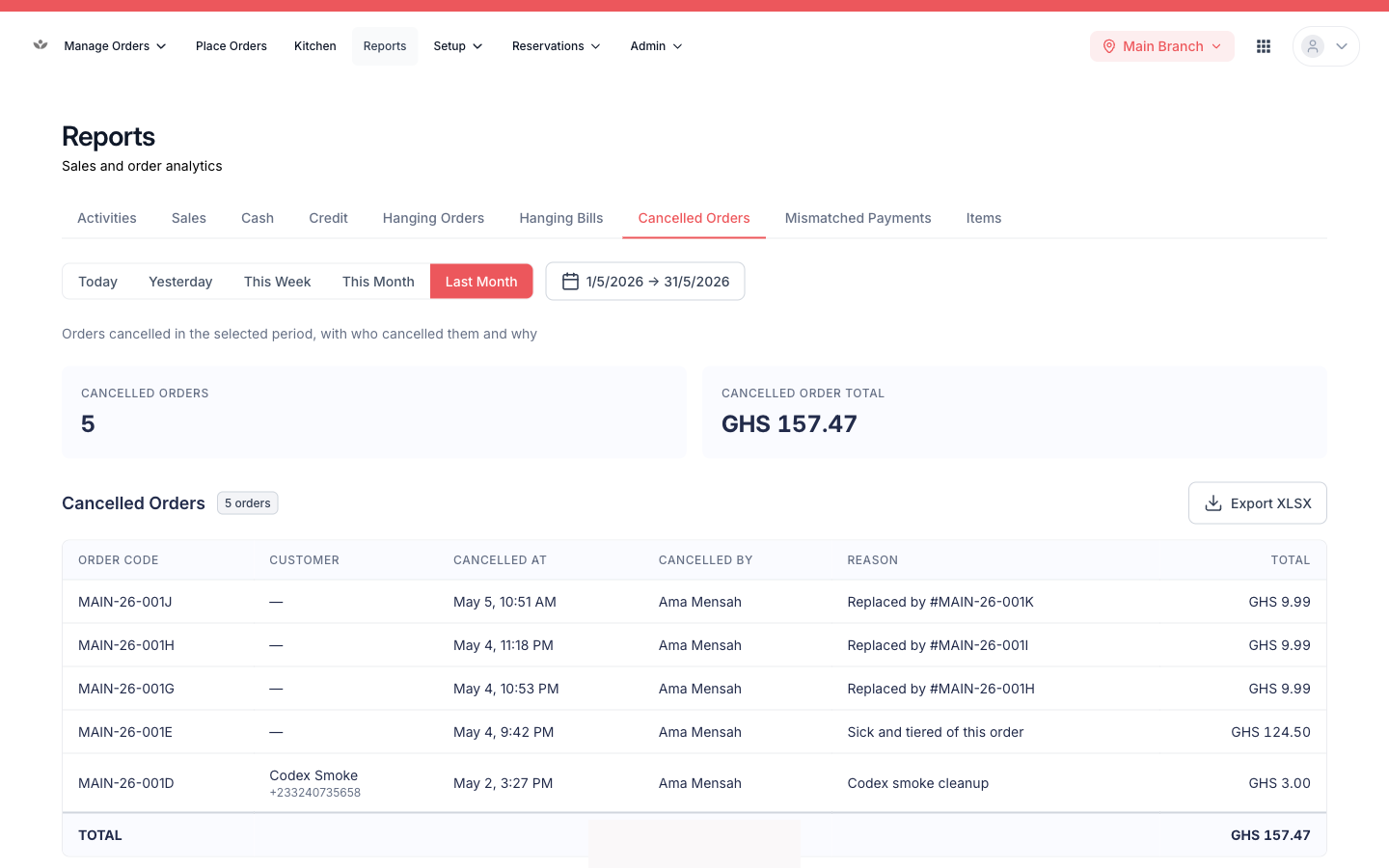
| Cancelled orders | Cancellations with reason and value |
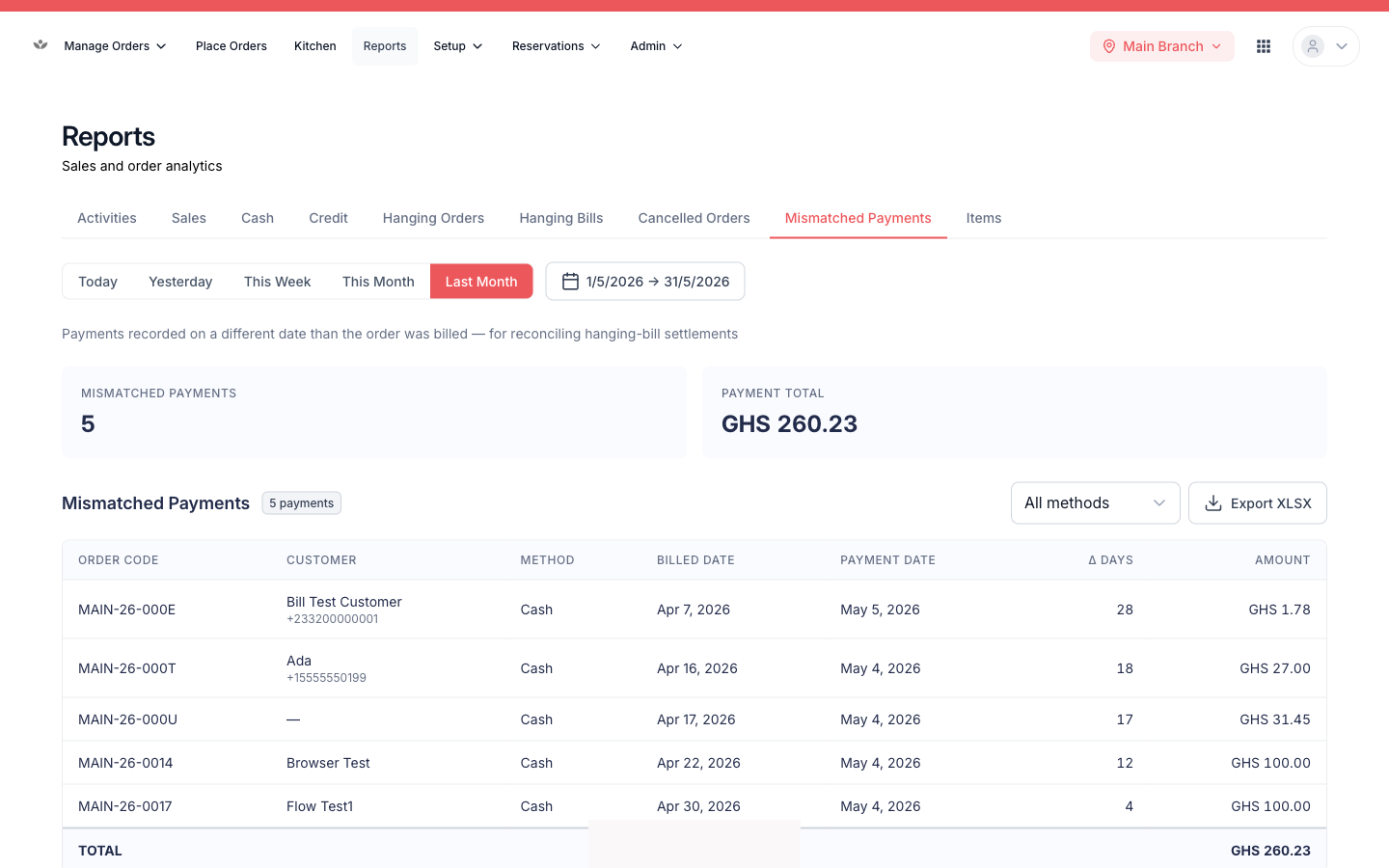
| Mismatched payments | Orders where the recorded method doesn't match actual takings |
- Go to Reports.
- Pick the report.
- Set the date range / filters.
- Export to spreadsheet when you need it offline.
Tip
Hanging orders (no payment) and hanging bills (part-paid) are the two to watch at close — they show money still owed.
The rest of the reports