
8. Tables & seating
Manage the floor and the front-of-house queue — floor view, walk-in waitlist, and floor setup.
Manage the floor and the front-of-house queue.
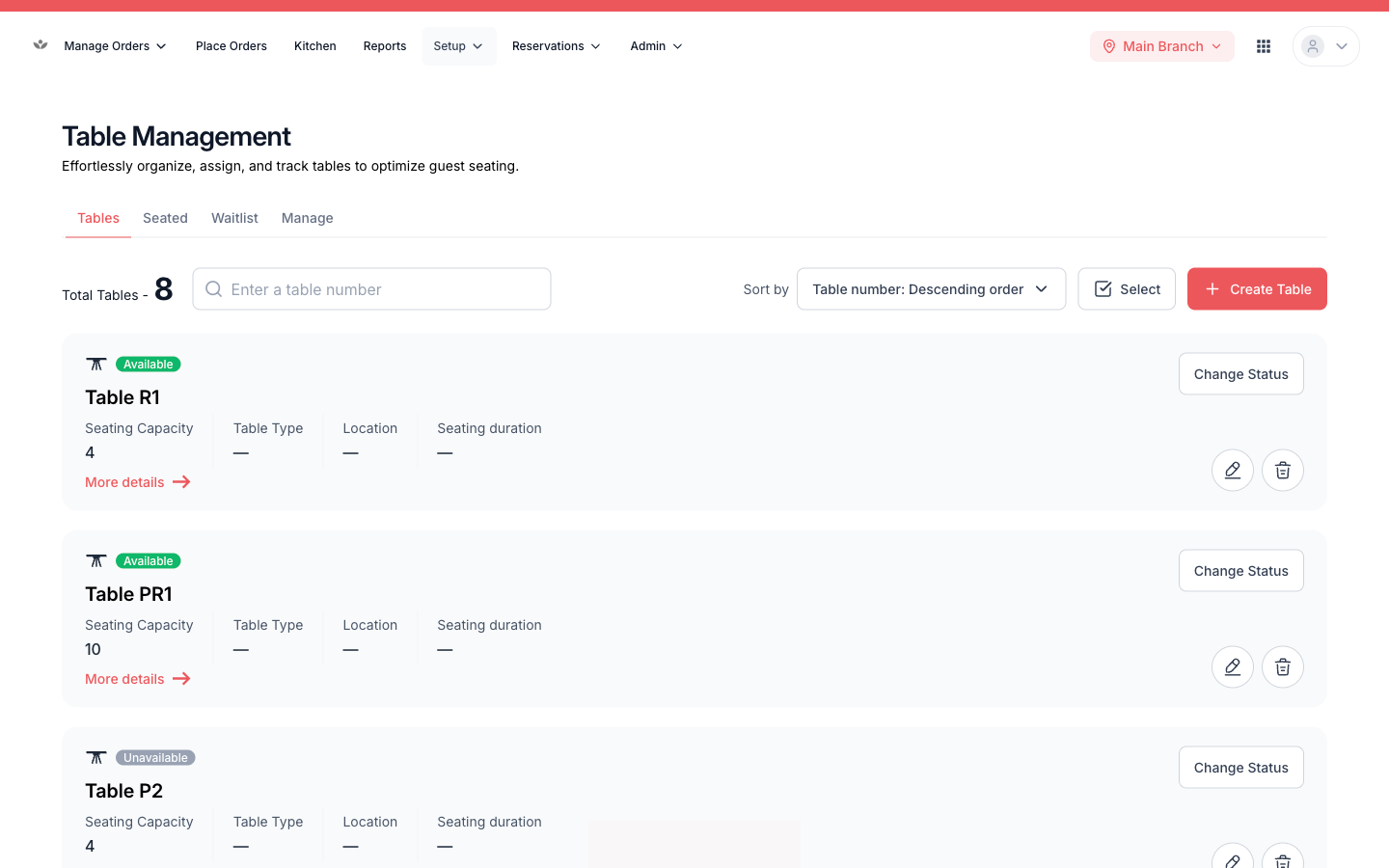
Floor view
- Go to Setup → Tables.
- See every table with live status — available, occupied, reserved — and its current order.
Walk-in waitlist
- Add a guest with party size and occasion.
- Notify them when their table is ready.
- Assign them to a table.
📷 Preview coming soon — The walk-in waitlist with an entry being assigned.
Configure the floor
Define your sections / dining areas and individual tables (name, capacity, section).
📷 Preview coming soon — The floor configuration screen.