
7. The kitchen display
Get orders to the line and track prep — the kitchen board, fullscreen display, and prep stations.
Get orders to the line and track prep.
The kitchen board
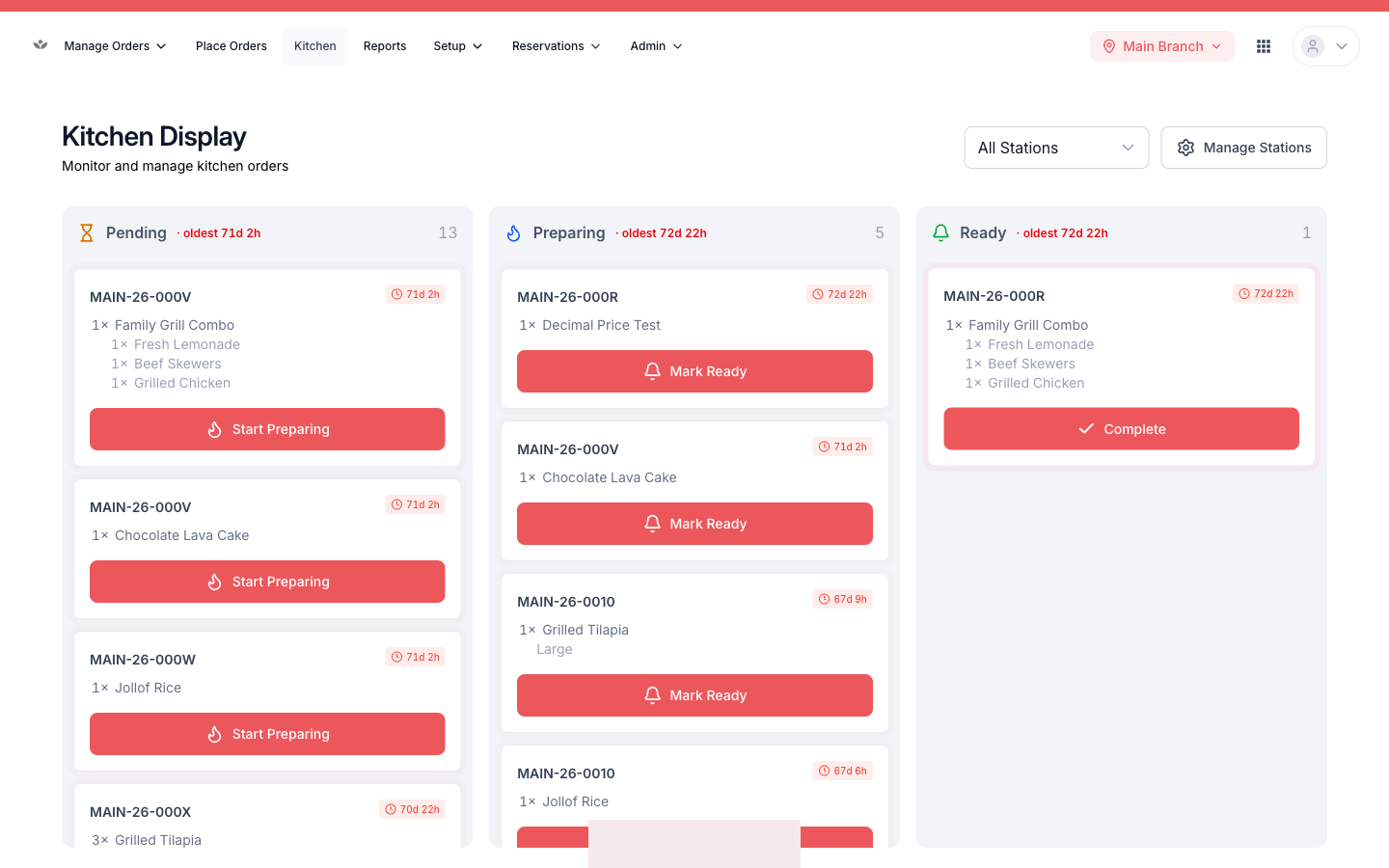
- Go to Kitchen.
- See tickets as live columns by prep station.
- Mark a ticket in progress, then complete.
- Filter by station to focus one line.
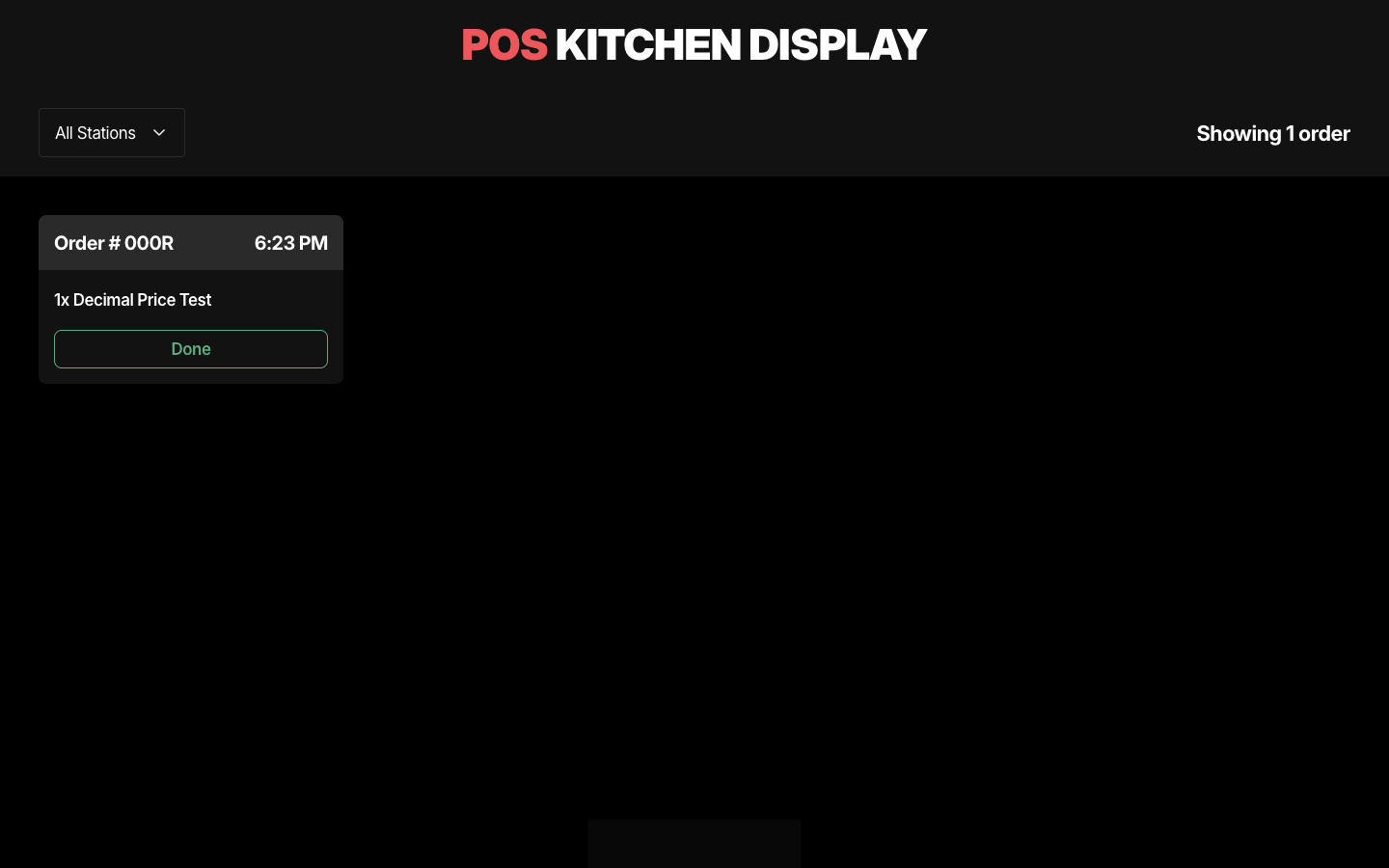
Fullscreen display mode
For a dedicated kitchen monitor, switch to fullscreen display — a chrome-free screen built to be read across the kitchen.
Prep stations & ticket printing
- Add, rename, and reorder the stations tickets route to.
- Print kitchen tickets (KOTs) per station.
📷 Preview coming soon — The prep-station configuration.